Product walkthrough
This walkthrough uses the fictional brand Lullwood and local sample pages. It is a generic demonstration of the draft-and-approve flow, not a recording of the Sleepout production session. Approving a draft records the decision and does not send it.
-
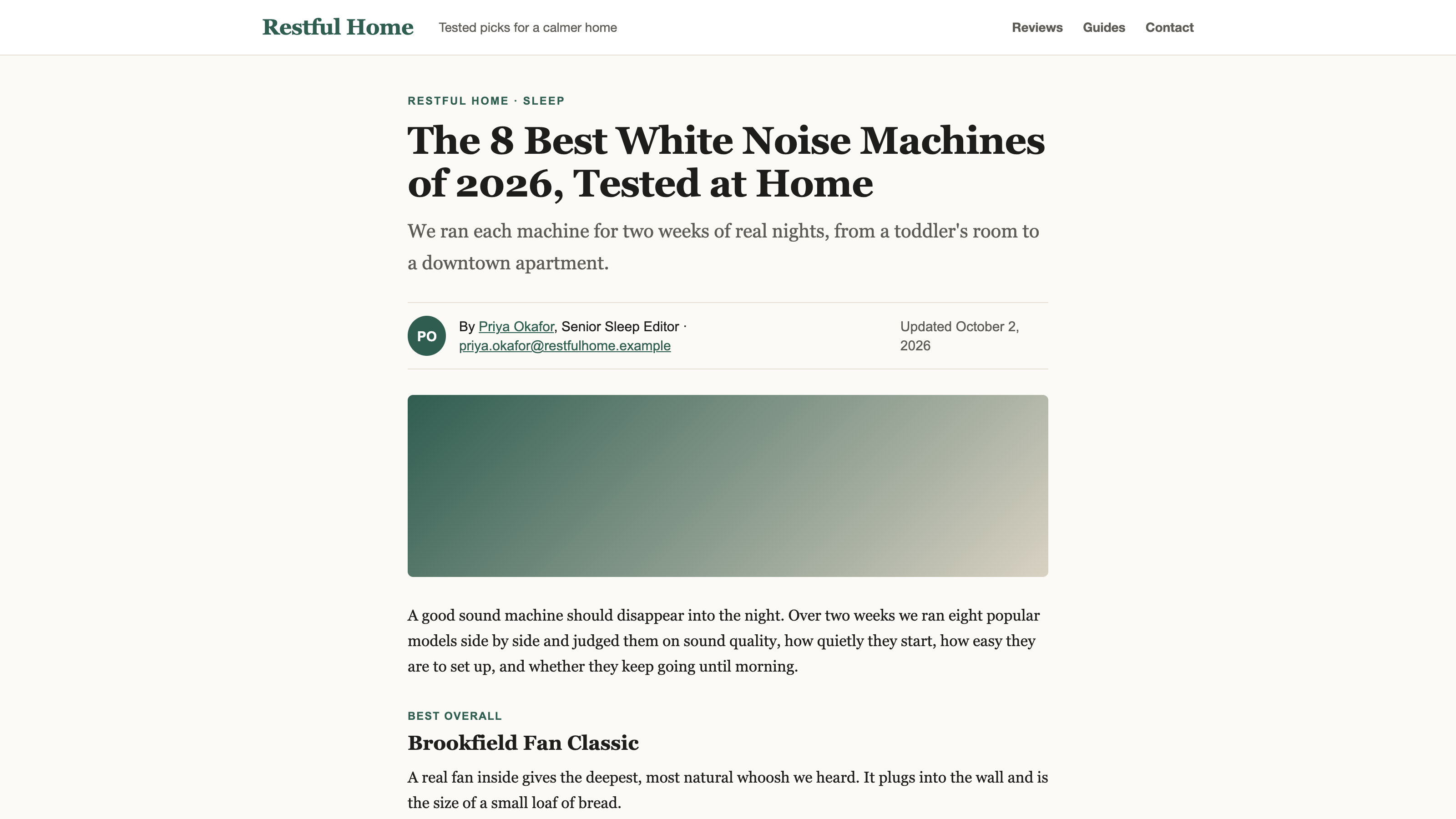
1. A local sample page, marked as a fictional outlet. The draft cites pages like this. It is not open-web search. -
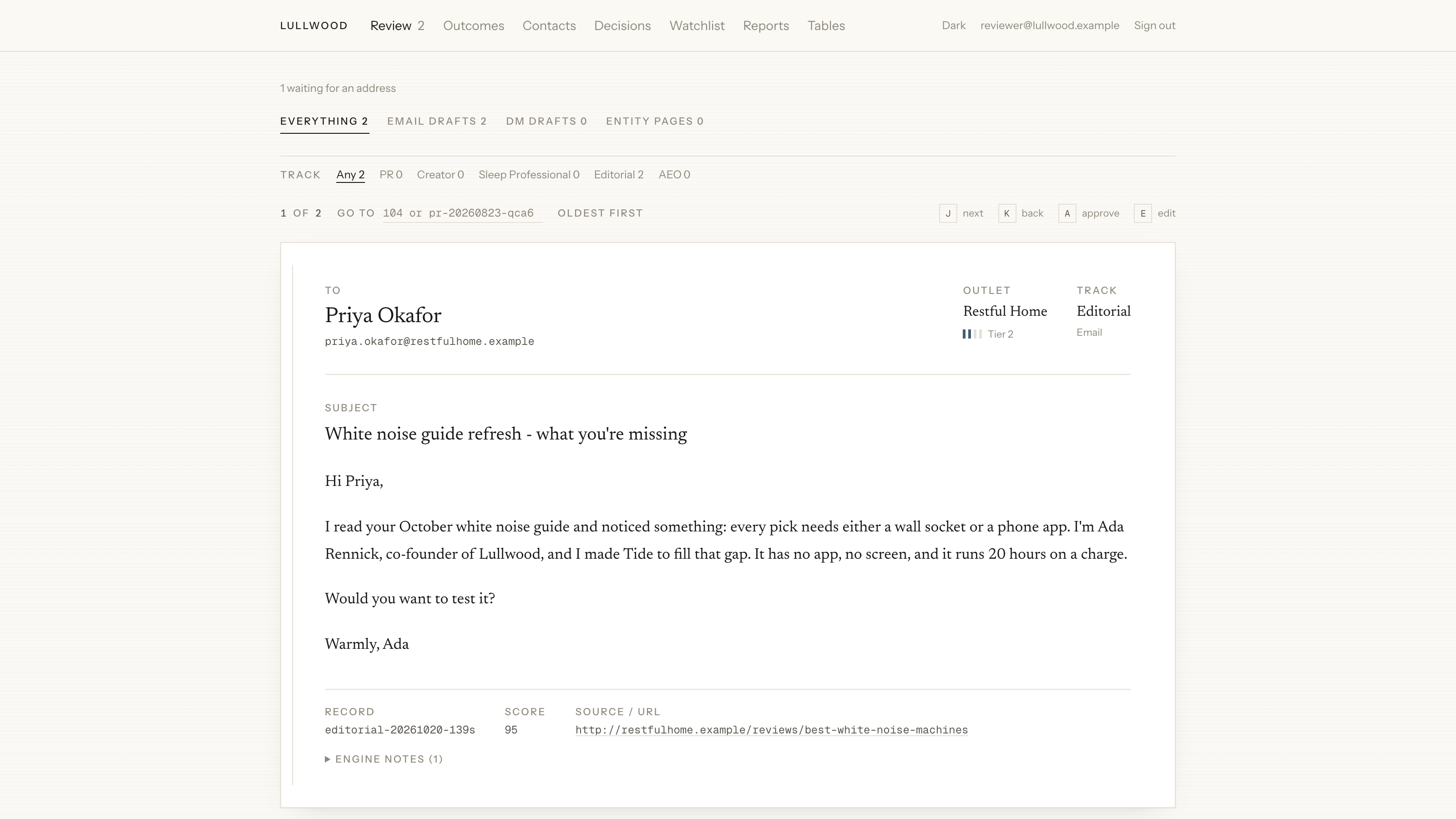
2. A drafted pitch waits in the review queue. Nothing has been sent. -
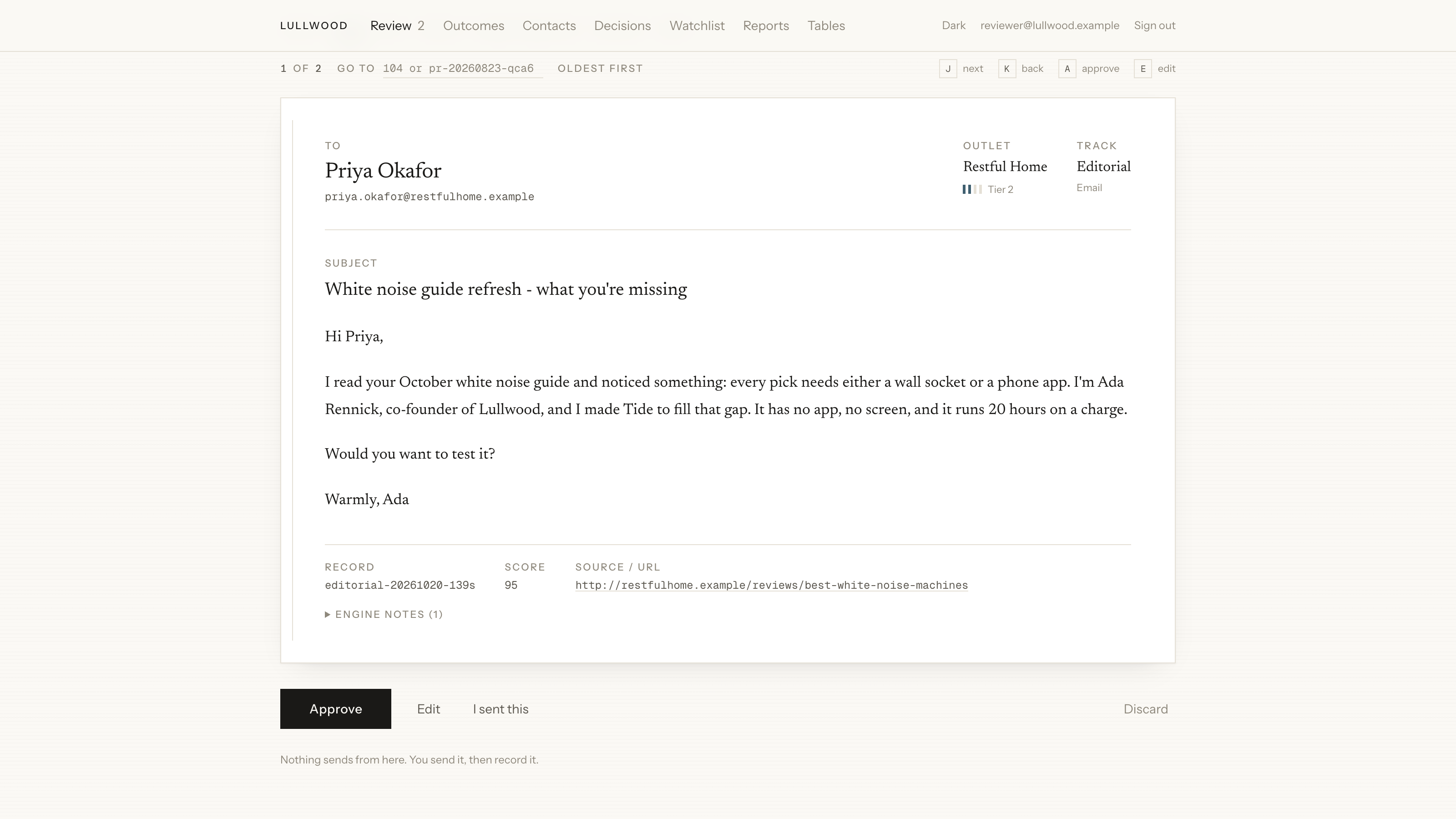
3. The reviewer can approve, edit, or discard. The screen says nothing sends from here. -
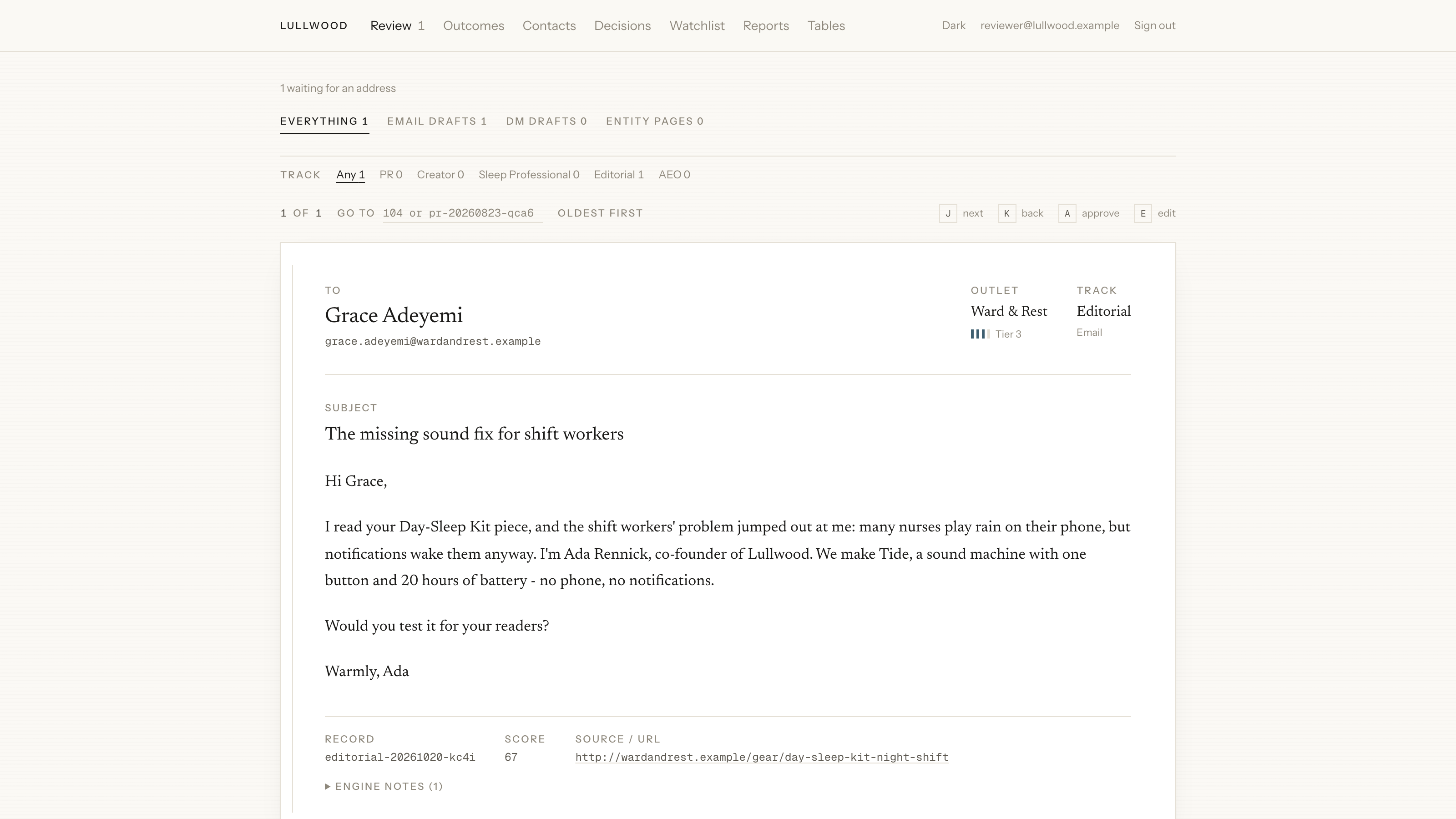
4. After one approval, a remaining draft is still unsent. -
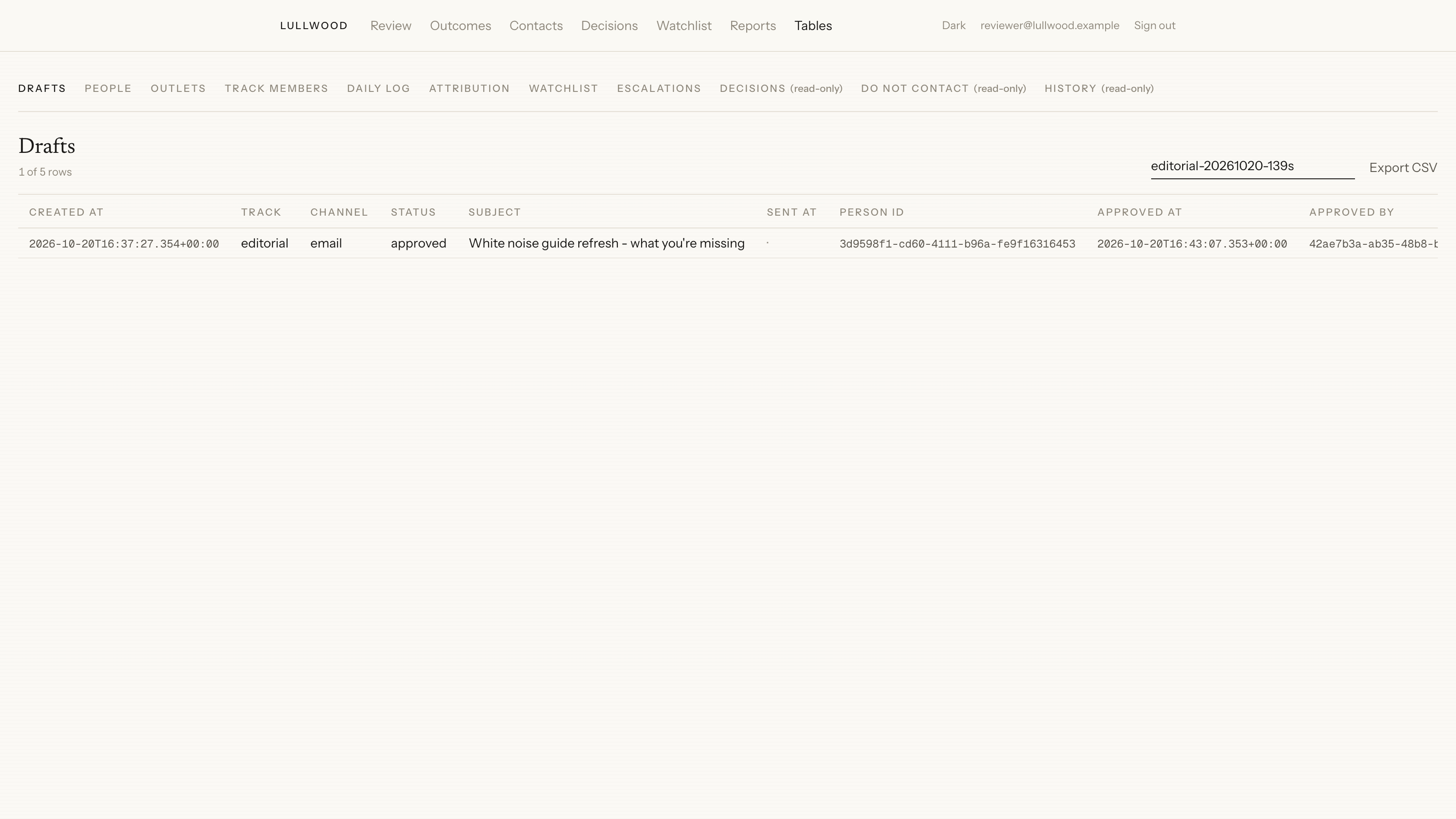
5. The approved row stays approved. The sent column is empty.